 FORGE
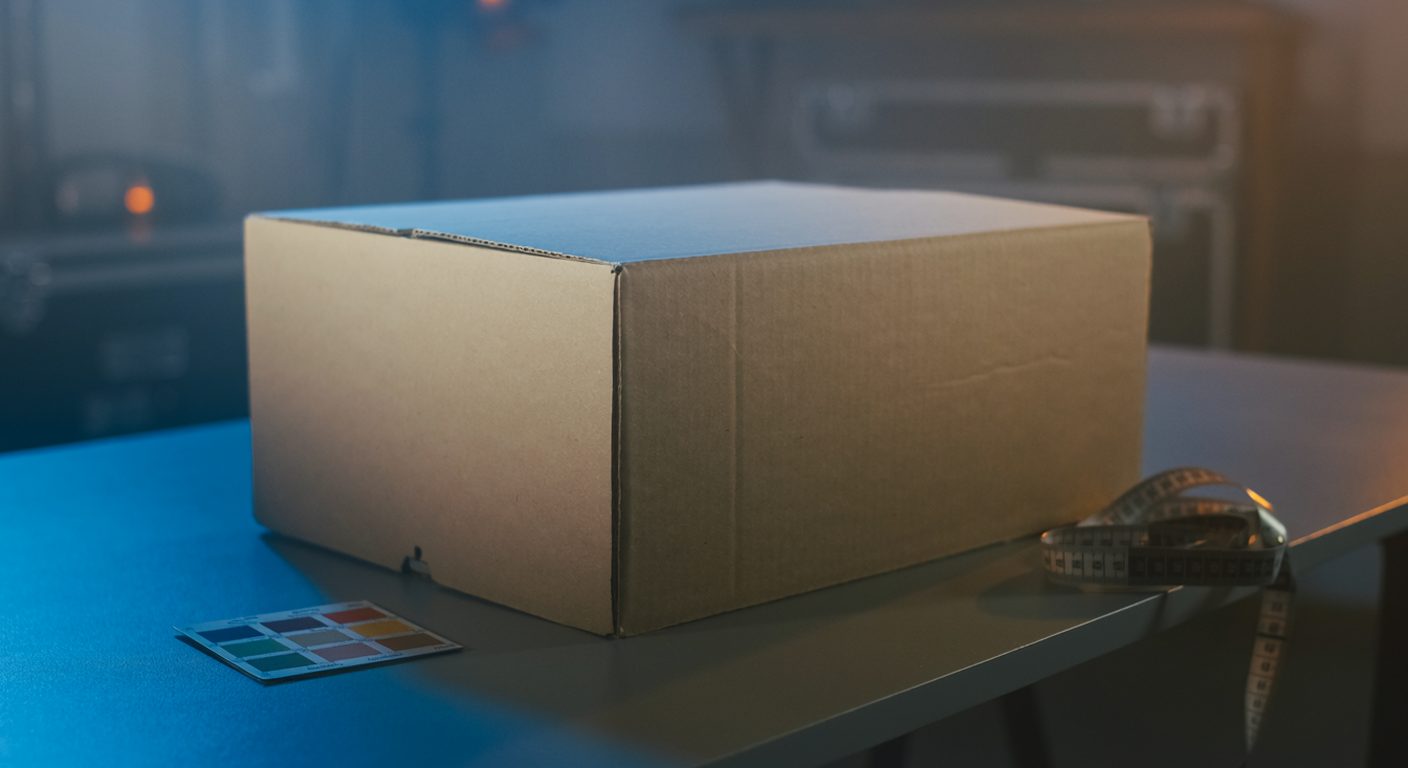
Choose the exact product version
Record the model, color, finish, packaging and accessories approved for the commercial. Identify the physical item or source files that represent that version. Do not mix photos of an older product with a revised design without marking the difference. The pack should resolve ambiguity before shot creation starts.
Capture views that answer questions
Include clear front, back and side views, plus close details of labels, controls and distinctive features. Show scale with reliable dimensions or an appropriate reference. Keep lighting simple enough to inspect shape and material. These images are production references; the final cinematic lighting can be designed separately once the object is understood.
Record approved handling
Describe which parts move, detach or stay fixed and how a person should hold or use the product. Flag details that must remain readable and parts that should not be shown. If handling is uncertain, ask for a demonstration or owner confirmation. Do not invent a physical action just because it creates a dramatic shot.
Use a fictional continuity check
Imagine a blue device with one silver side button. Review every selected shot for that button’s position, the same surface finish and consistent proportions. Reject a shot that changes the object during motion even if its opening frame looks correct. This example describes a review method rather than certifying any existing generated footage.
Hand off a labeled pack
Deliver approved reference views, exact logo assets, handling notes and a short list of unacceptable changes. Give the pack a version identifier and name the approver. Link the shot plan to that pack so a later revision does not silently introduce a different product. Use the continuity guide when reviewing the actual moving footage.